Ask suppliers from inside Conc
Send a supplier an inquiry right from the material's page. Replies land in your inbox and on the material's board card, and you can ask about several materials from a board at once.
Liking a material used to mean leaving Conc. You opened your mail app, typed the material's name and your project from scratch, and the reply ended up somewhere in your inbox. Which project you had asked for it was something only you remembered.
Now you can ask from the material's page. The inquiry and the reply stay on the board where that material lives.
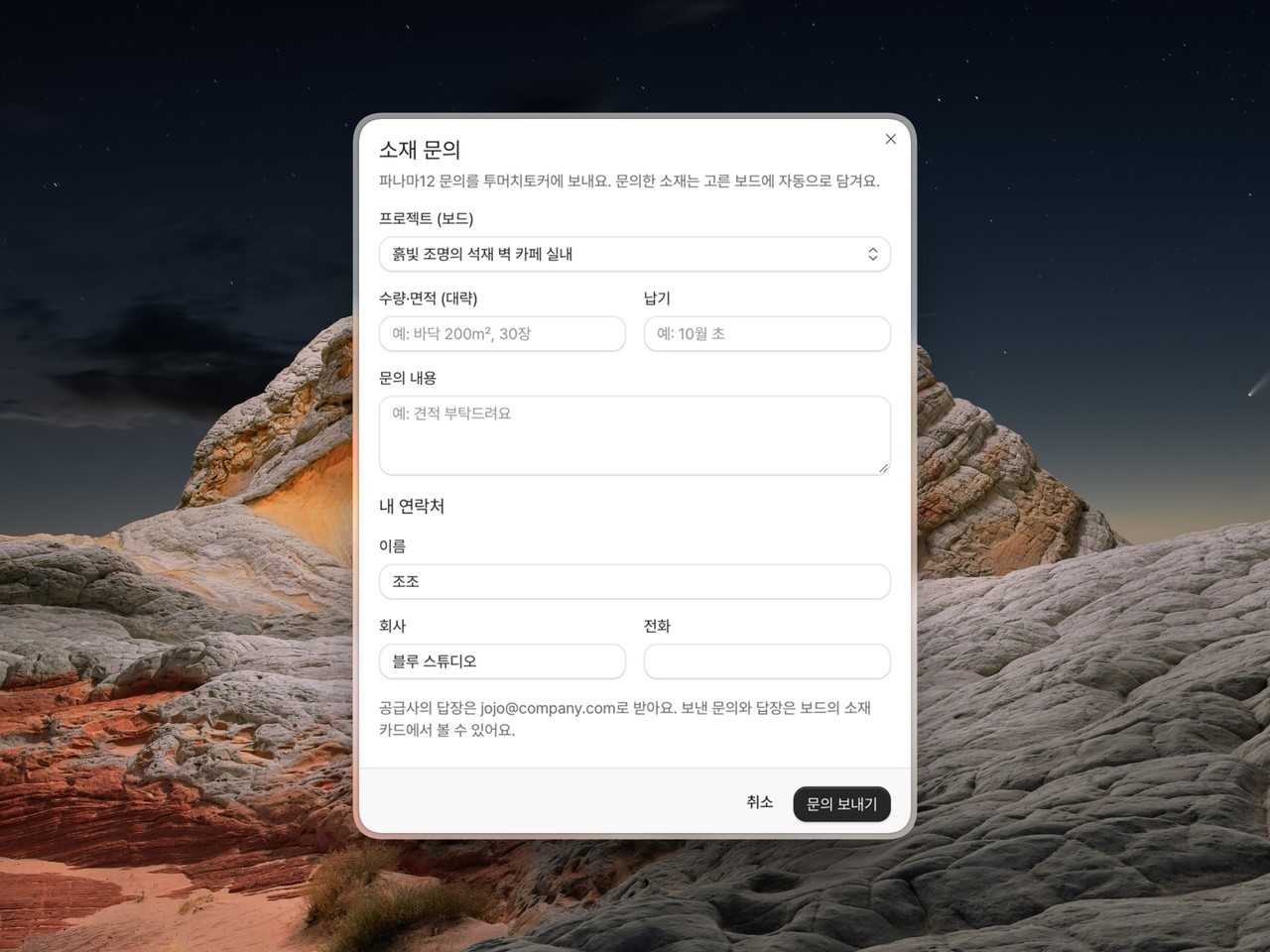
Send it from the page: Press "Ask about this material" at the top of the supplier card and a form opens. Pick the project (a board), give a rough quantity or area, when you need it, and a message, and you are done. Conc puts the material's photo and name in the email for you. Your name, company, and phone are asked once and remembered.
Replies arrive in two places: The supplier's answer comes to your inbox and shows on the material's board card as "Asked 9/15 · Replies 1". Open the thread from the card to read it with any attachments and reply right there. The same thread opens from the material's page under "View inquiry thread", and answering from your mail app lands in it too.
What you ask about gets saved: Sending an inquiry puts the material on the board you picked. If you have no board yet, one is made on the spot. You never end up having asked about a material that is on no board.
Several materials from one board: Pick a few materials on a board and a bar appears below them; press "Ask suppliers" there and they go out grouped by supplier, one email each. Quantities go per material, say 200 m² of floor tile and 30 wall panels, while the timing and message are written once.
Next time a material catches your eye, try asking.