Draw with the materials you picked
Three new ways to use what you saved. Lay the materials out as a mood board, draw the combination as a room, or swap one surface of a photo you took on site.
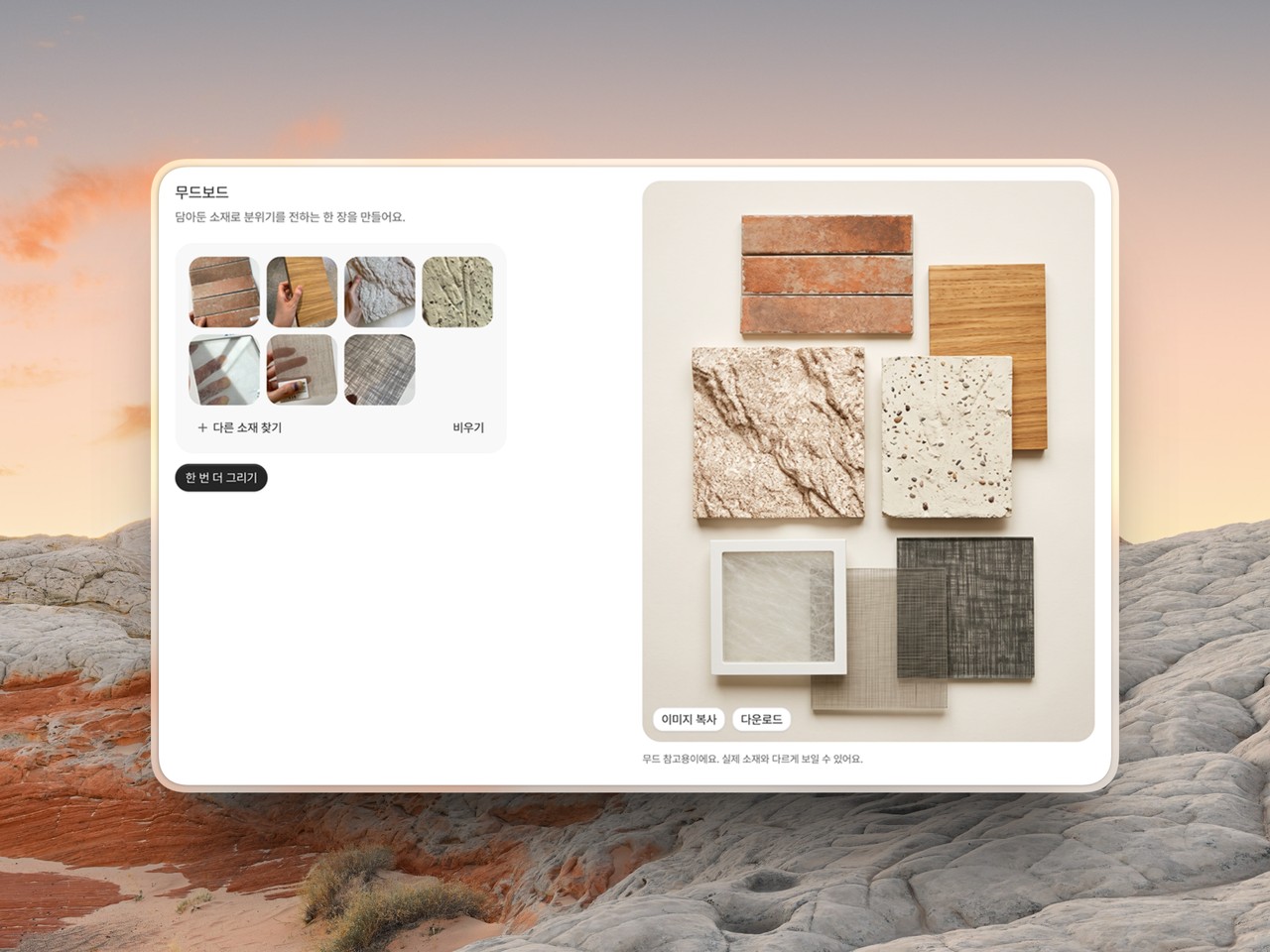
Saving the materials was never the end of it. There was still downloading them one by one to lay out in Keynote, guessing at how the combination would actually read, and telling a client "I'll show you next week." All three now happen here.
Make a mood board: Pick your materials and the samples come back laid out in one photograph. No more pulling them down one at a time to arrange by hand.
Draw it as a room: Pick a few, say where each one goes, and the combination comes back as a room. It answers "do these work together" without opening a renderer.
Apply to a photo: Choose one surface of a photo you took on site and a material to put there, and that surface comes back changed. "This floor, but in that material" stops being something you describe and becomes something you show.
When a client says the wall looks too dark, you can redraw it while you're both still sitting there instead of promising it for next week. What you make is kept in the Artifacts tab of your library, so it's there when you come back. For mood only, though: a finished room will differ, and a material may look different in hand.
Available on Pro. Start from home, which now asks what you want to make.