See only the materials you can take with you
Explore has a design resource switch now. Category and color fold to a single row each, so the whole filter column fits on one screen.
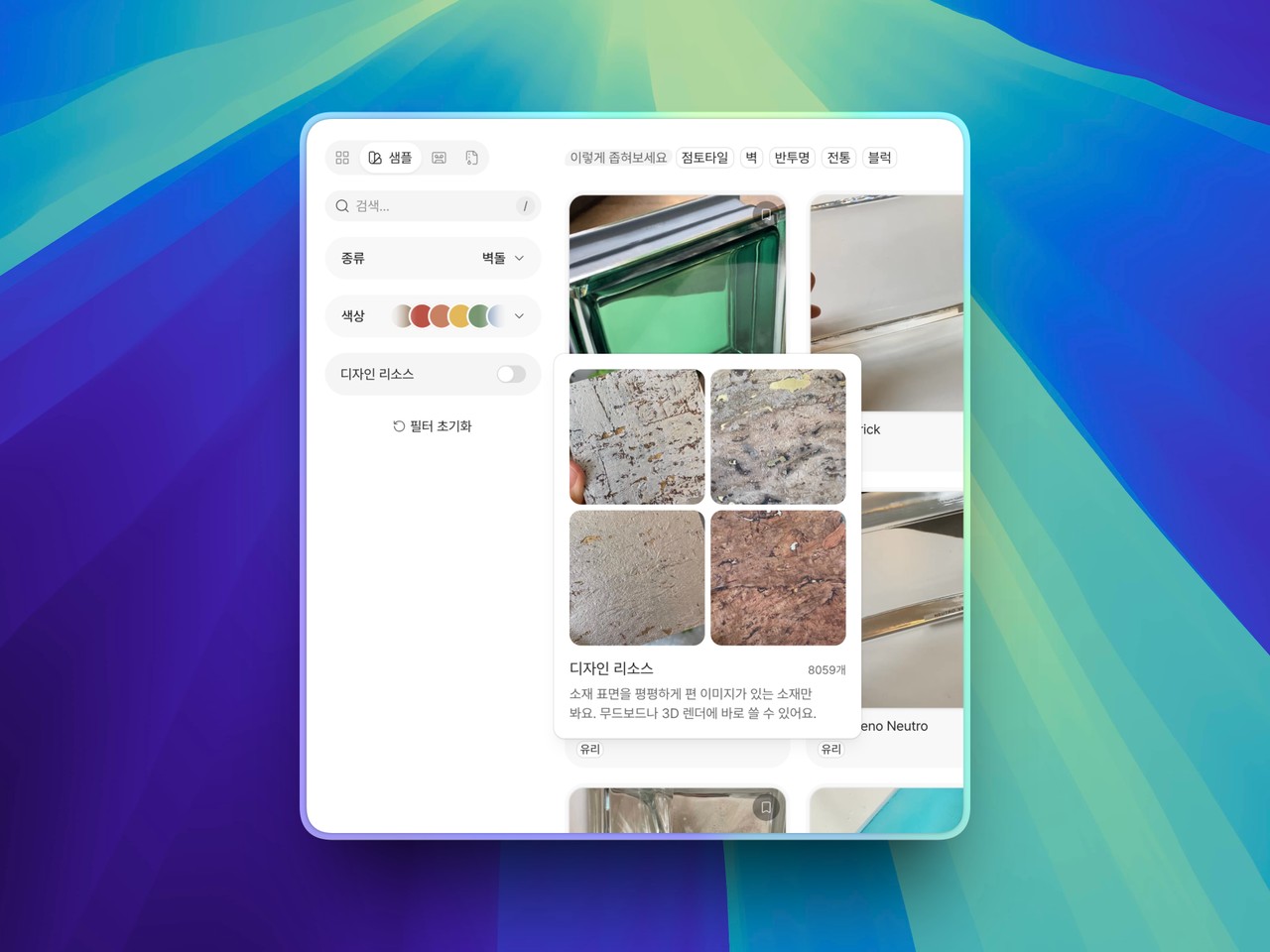
A material's page hands you a flattened image of its surface. Finding out which materials have one, though, meant opening them one at a time.
About half the catalogue carries them, and nothing in the list said which half. Now you can gather them in Explore.
Keep only the ones with resources: A switch has joined the filters. Turn it on and you are left with the materials whose surface has been flattened into an image, ready for a mood board or a 3D render.
Every filter folds to a row: Category and color are one row each now, and pressing either unfolds it in place. What used to sit below the scroll fits on a 13-inch laptop screen. A folded row still says what is inside it — material covers and color families drift past while nothing is picked, and the row names your choice once you have made one.
Conditions continue inside the category: Pick a broad category and the same panel becomes the conditions within it. Choose wallpaper and its kinds follow, with use and property still there to add. Adding a condition used to sit at the very bottom of the filter column; it now lives inside the category you just picked.
What is on sits under the search box: The conditions narrowing the grid are right below where you type. On a phone they are visible without opening the filters, and you can drop them one at a time from there.
Available on Pro. Open Explore and start with the switch.