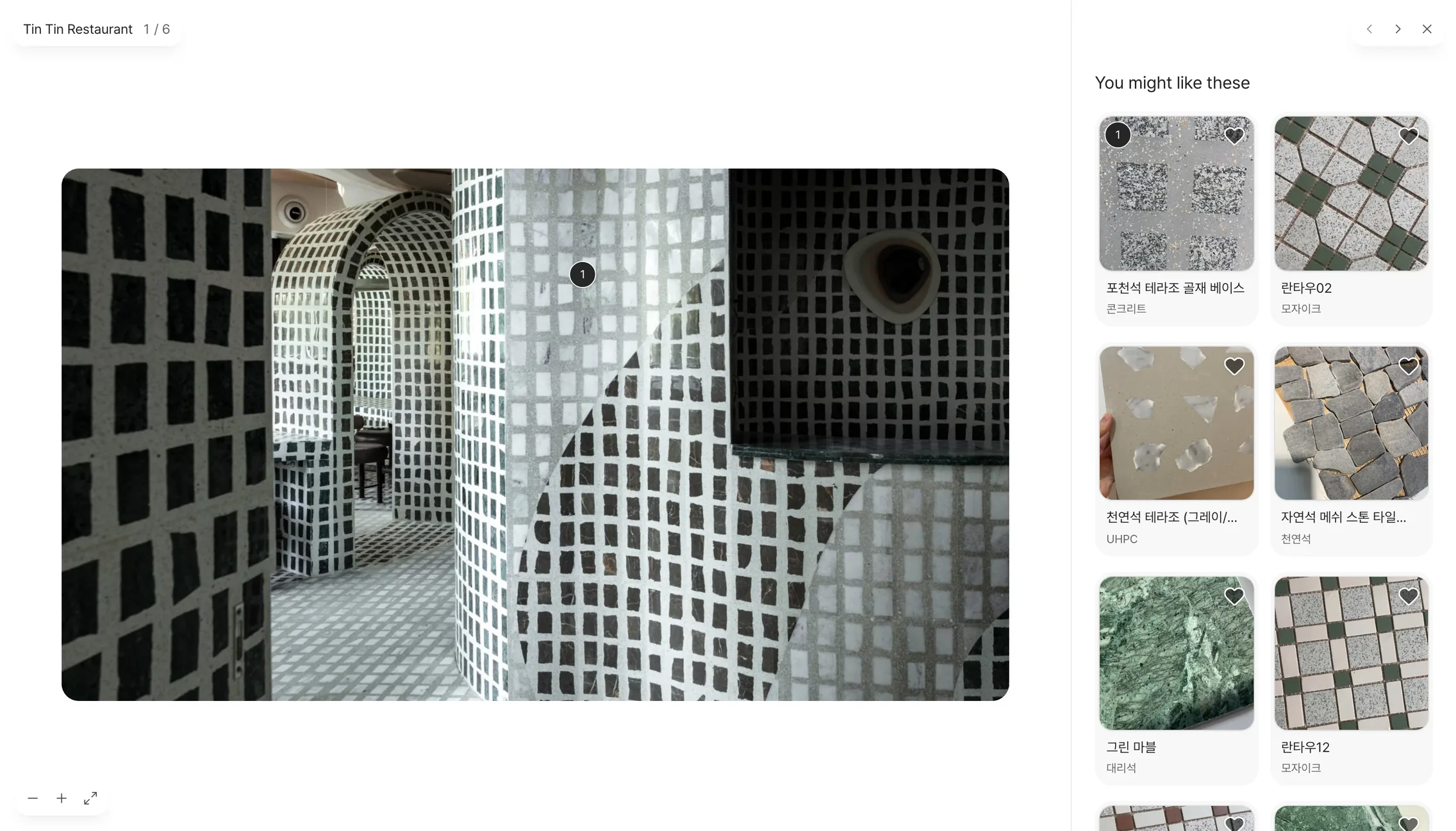
Find materials in photos of real projects
Cafés, hotels, shops and homes, all finished projects. Open a photo and the materials that look like its floors, walls and ceilings appear right beside it.
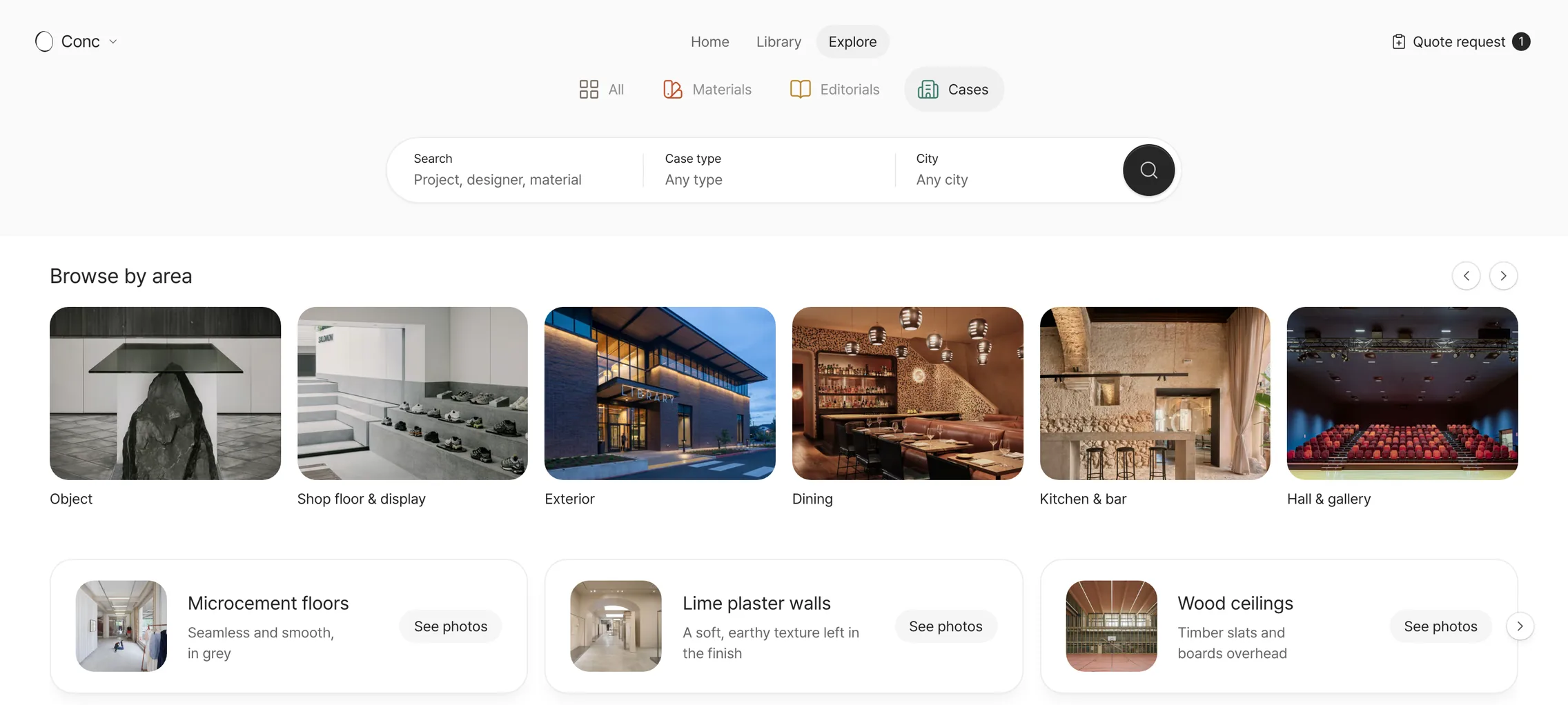
Start from a zone or a finish
Pick a zone like kitchen & bar, exterior or dining, or a finish like microcement floors or lime plaster walls, and photos from many projects gather in one place.
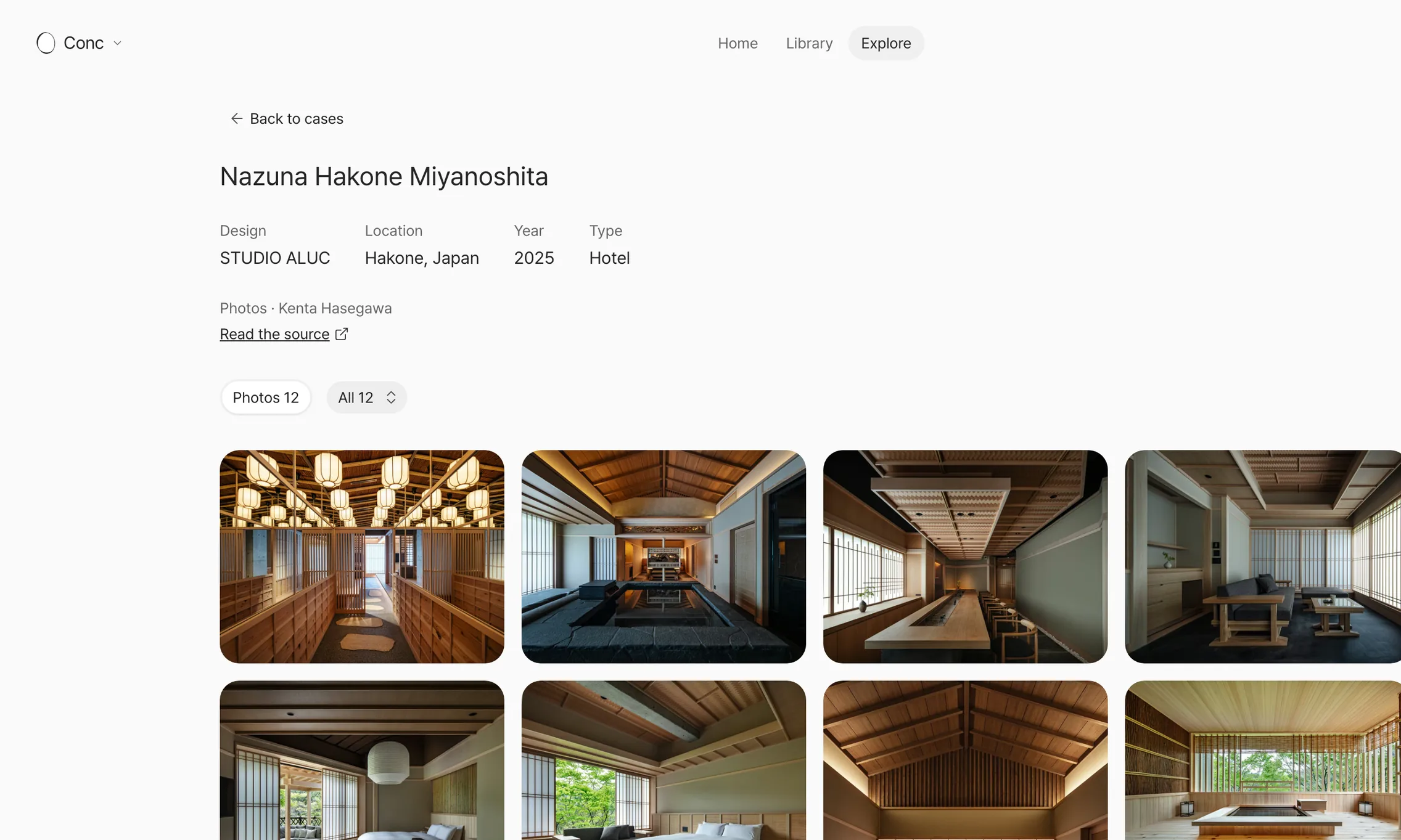
See one space from start to finish
The studio behind it, location, year, photo credit and the original article, all in one place. Pick the photos by zone and take the space in at your own pace.
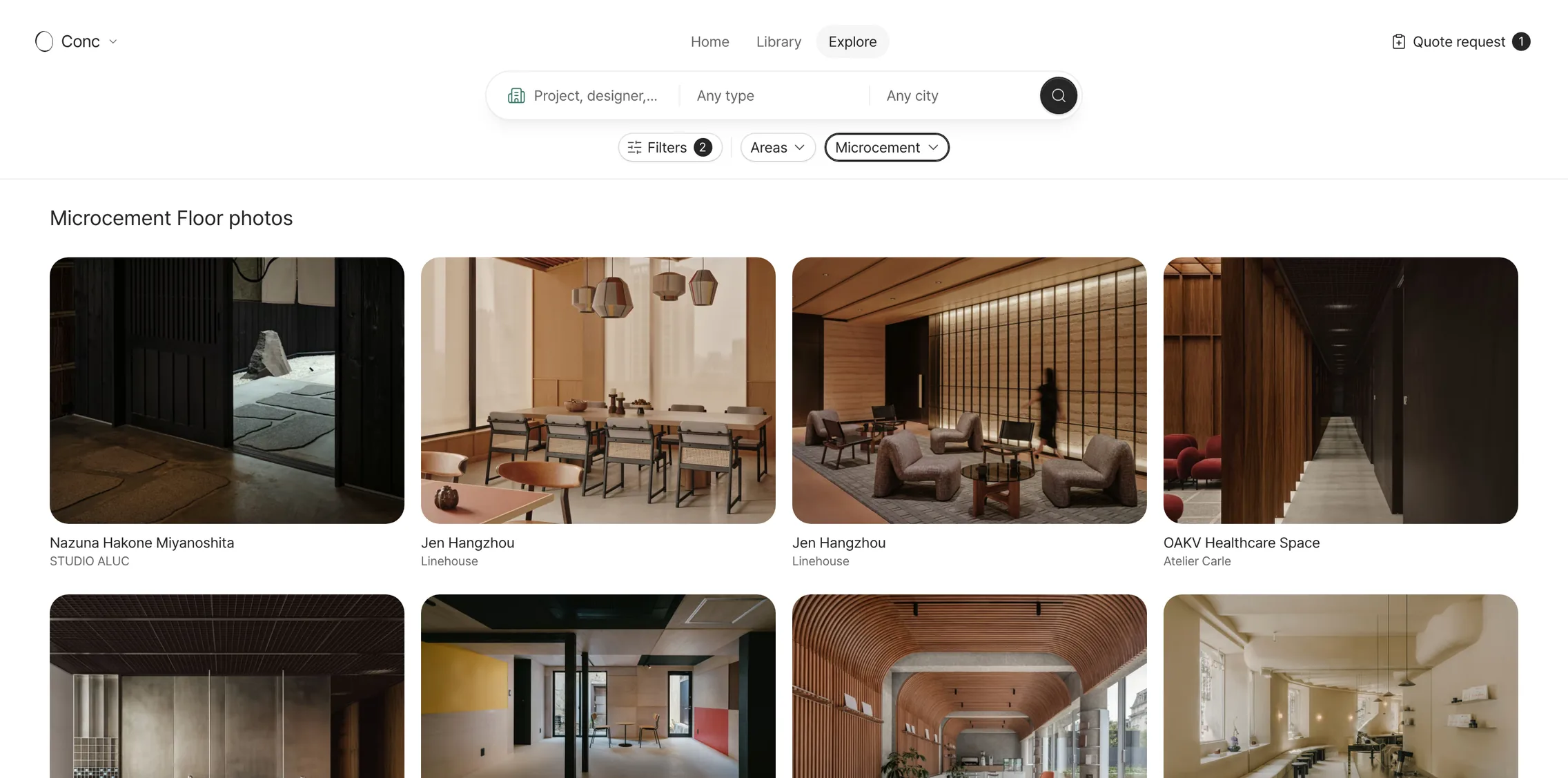
Stack conditions, keep only the photos you want
Combine zone, material type, part, case type and city, and only the photos that match remain. The title above the results spells out what you're looking at.
See how a sample looks in a real space
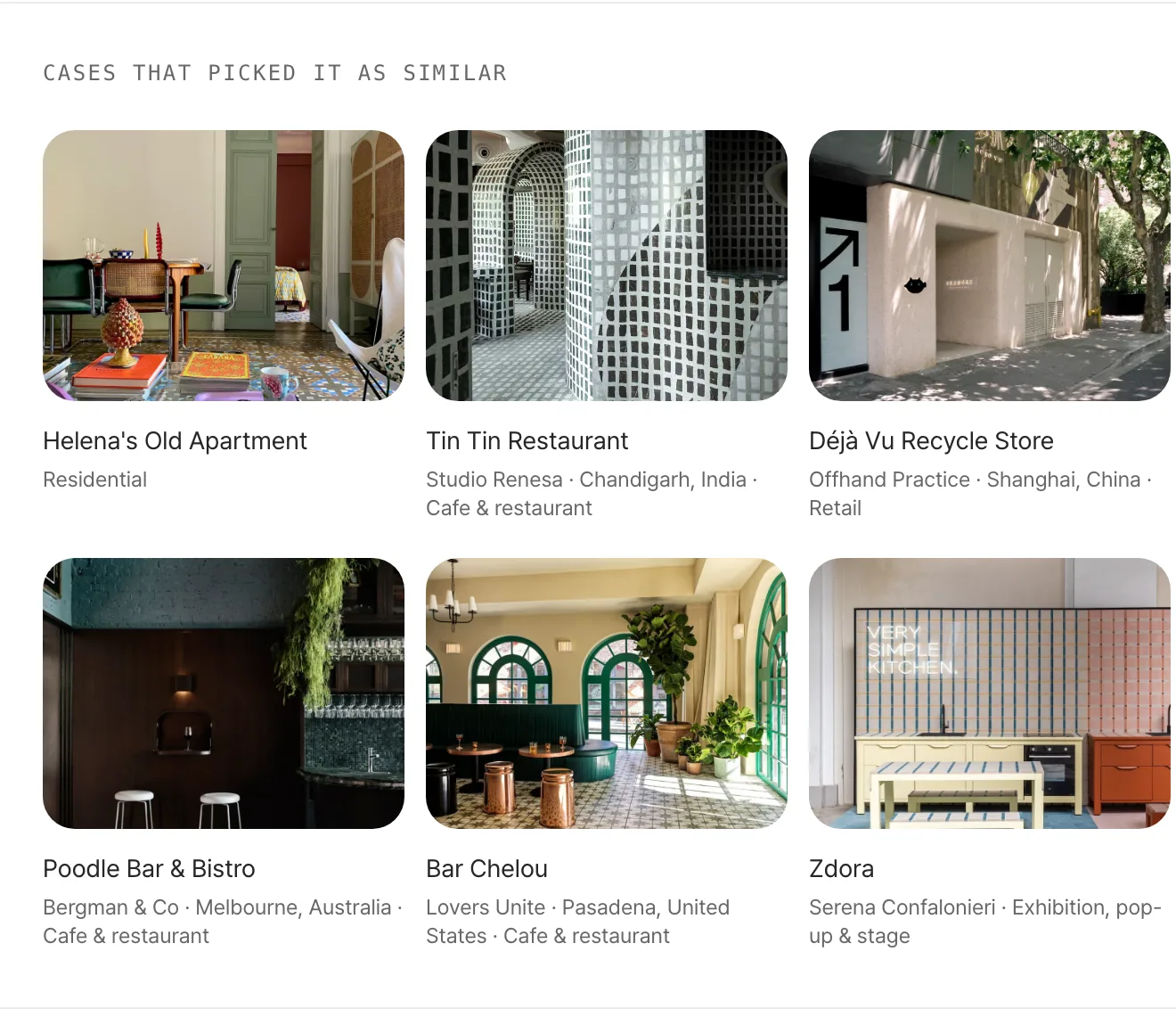
Below each material, cases with a finish that looks like it are gathered. Get a feel for a whole wall or floor that a palm-sized sample can't give you.
- Find by city
- Start from the cities with the most cases.
- Close-ups
- A row of close-up photos for a good look at the finishes.
- Credits and sources
- Every photo carries its credit and a link to the original article.
- Flip through on the card
- Swipe through a case's photos right on its card.
The cases tab, case pages and the materials beside each photo are free. Search, filters and the similar cases on a material page are in Pro.
The credit for each photo shown is listed on its case.