Pick the conditions first, then check it will work
Every site has its must-haves: a fire rating, sound absorption, a sustainability label. Stack them to narrow the materials, then check the price, size and stock of the one you pick.
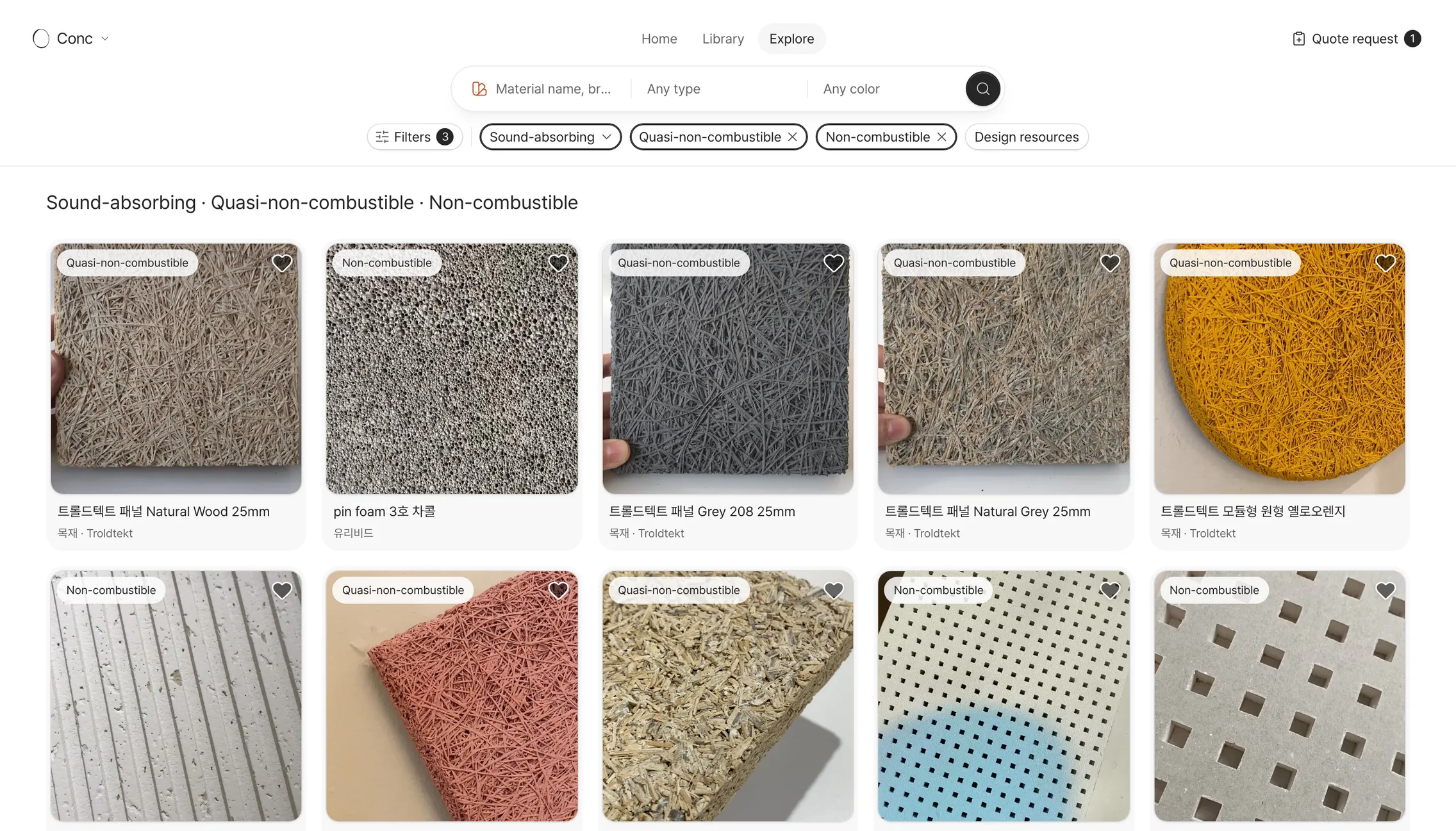
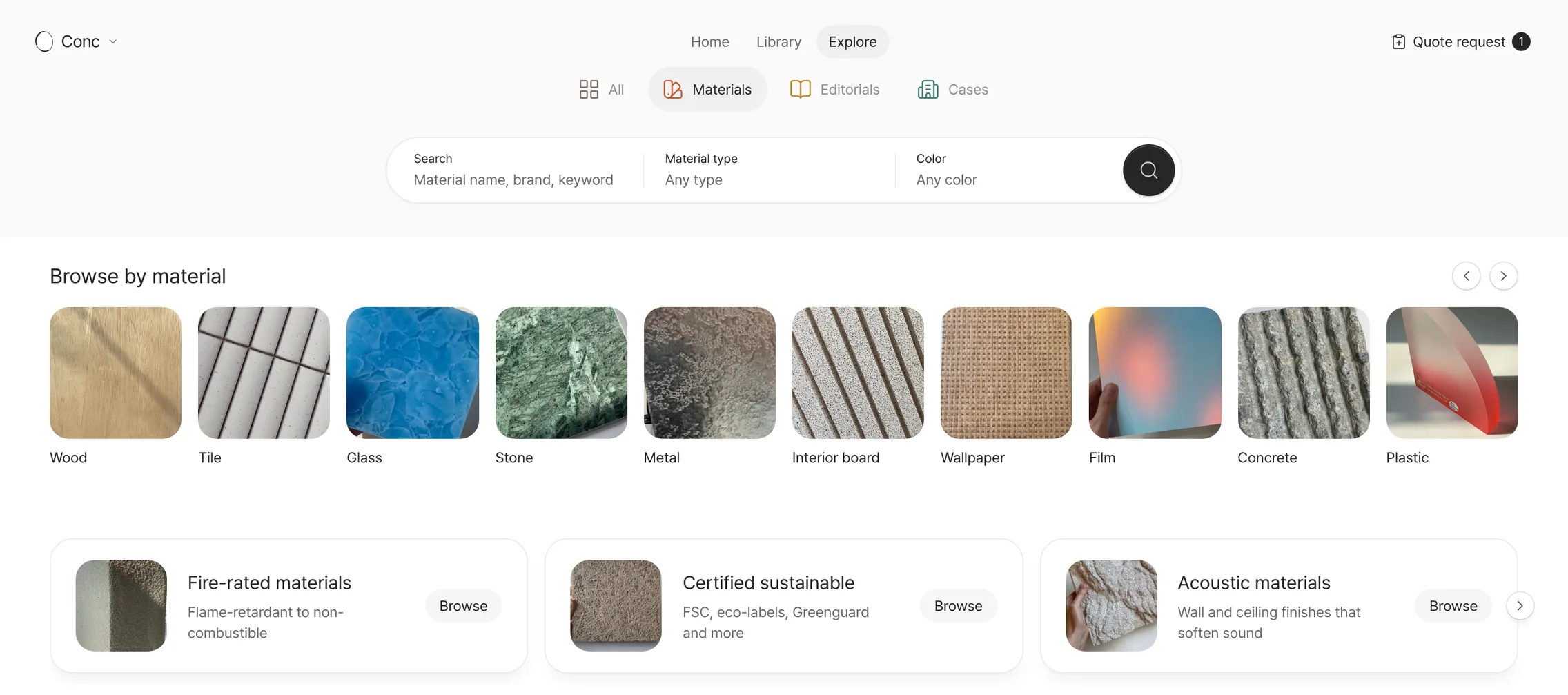
The usual conditions, straight from a banner
On the materials tab, press the fire-rated, certified sustainable, acoustic or exterior banner to gather the materials that meet it. Another banner shows only materials with design resources to download.
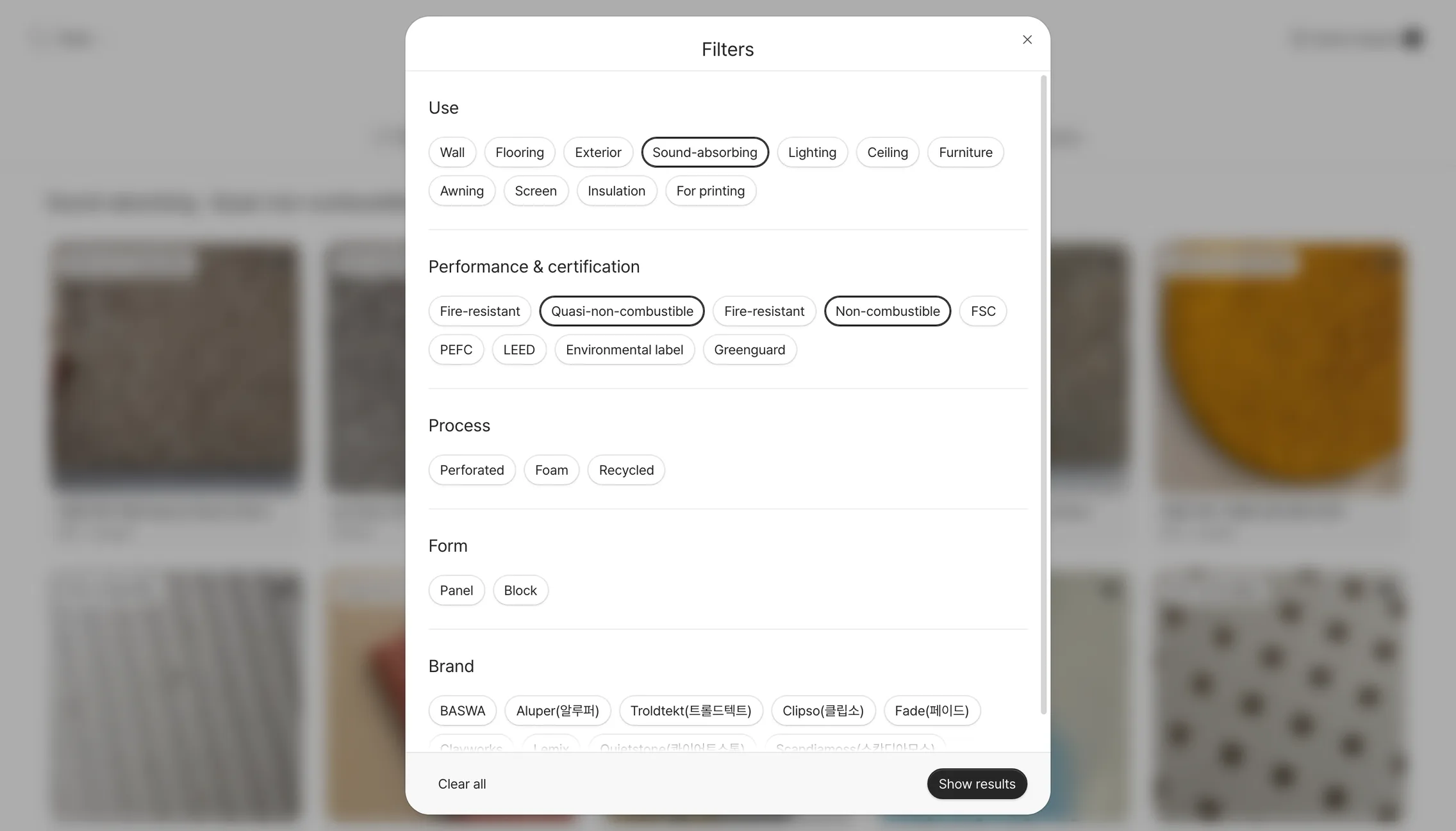
Stack use, performance and certification
Pick use, performance & certification, process, form and brand, then add material type and color in the search bar. Filters only list values in the current results, so a pick never takes you to zero.
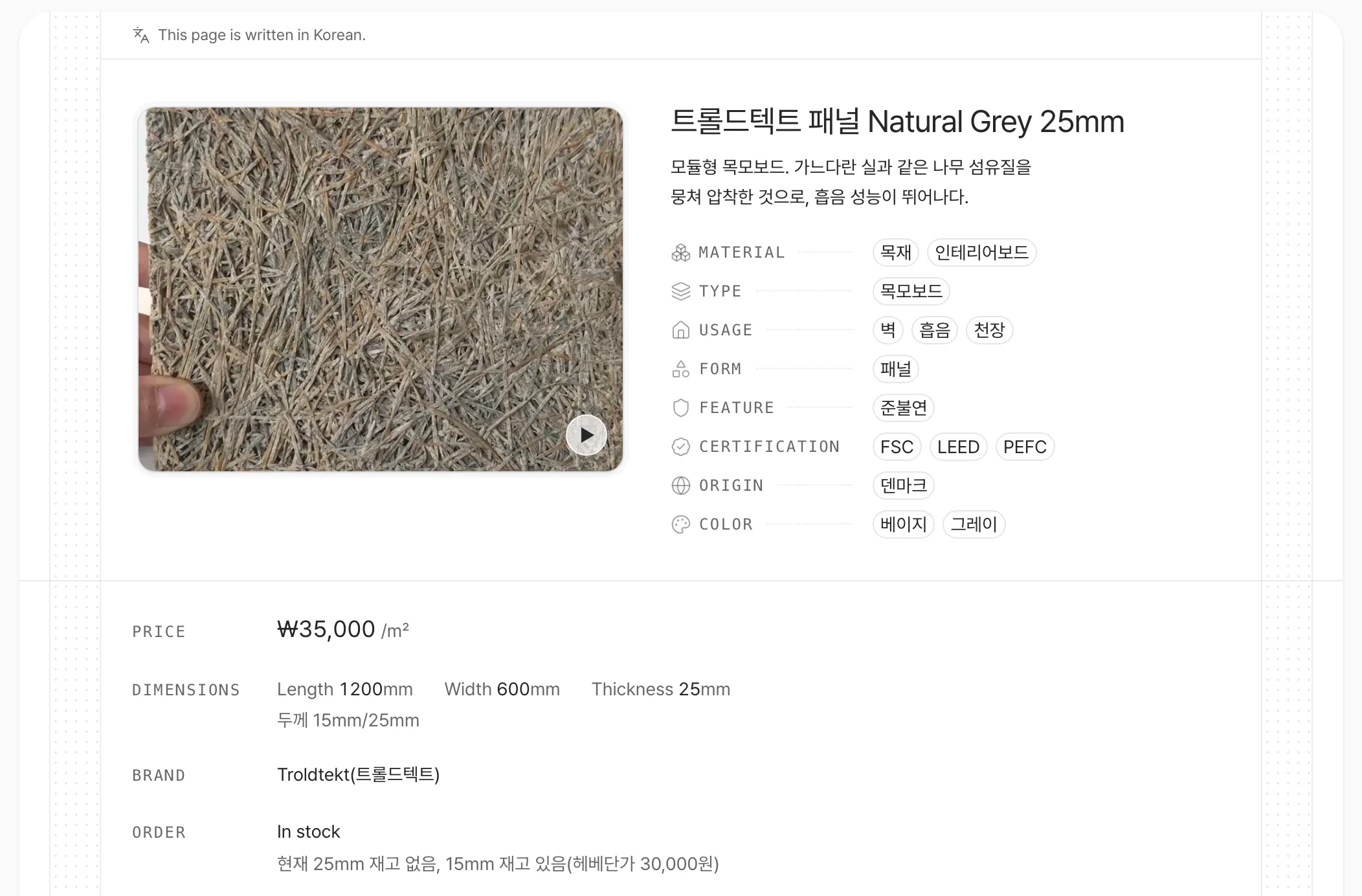
Price, size and stock on one screen
Price per unit, dimensions, brand, stock and minimum order sit right below the photo. Press a tag like quasi-non-combustible to move on to materials with the same condition.
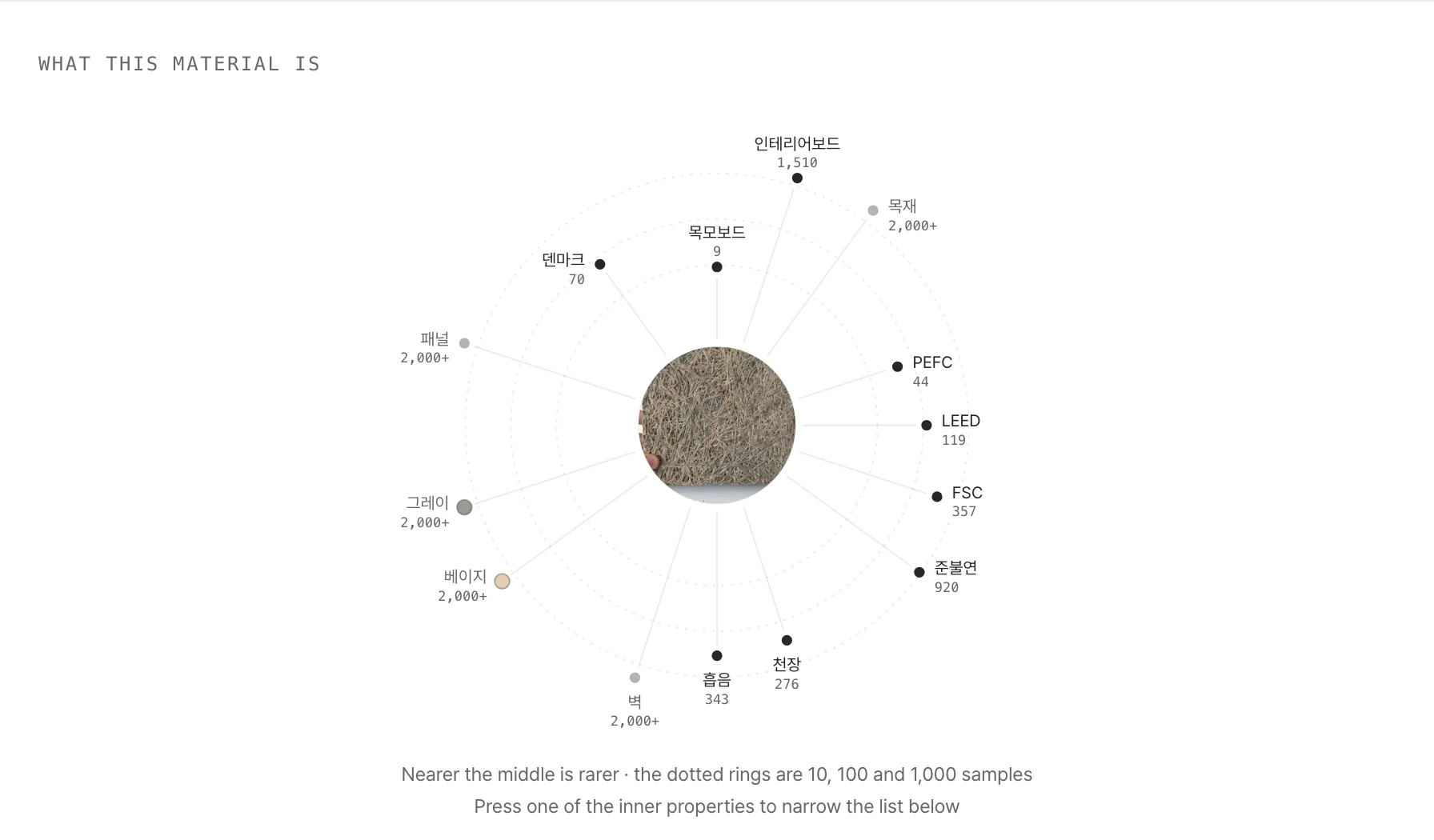
See at a glance which properties are rare
The rarer, the nearer the middle, with how many materials in the catalog share it. Press an inner property to narrow the list below to it.
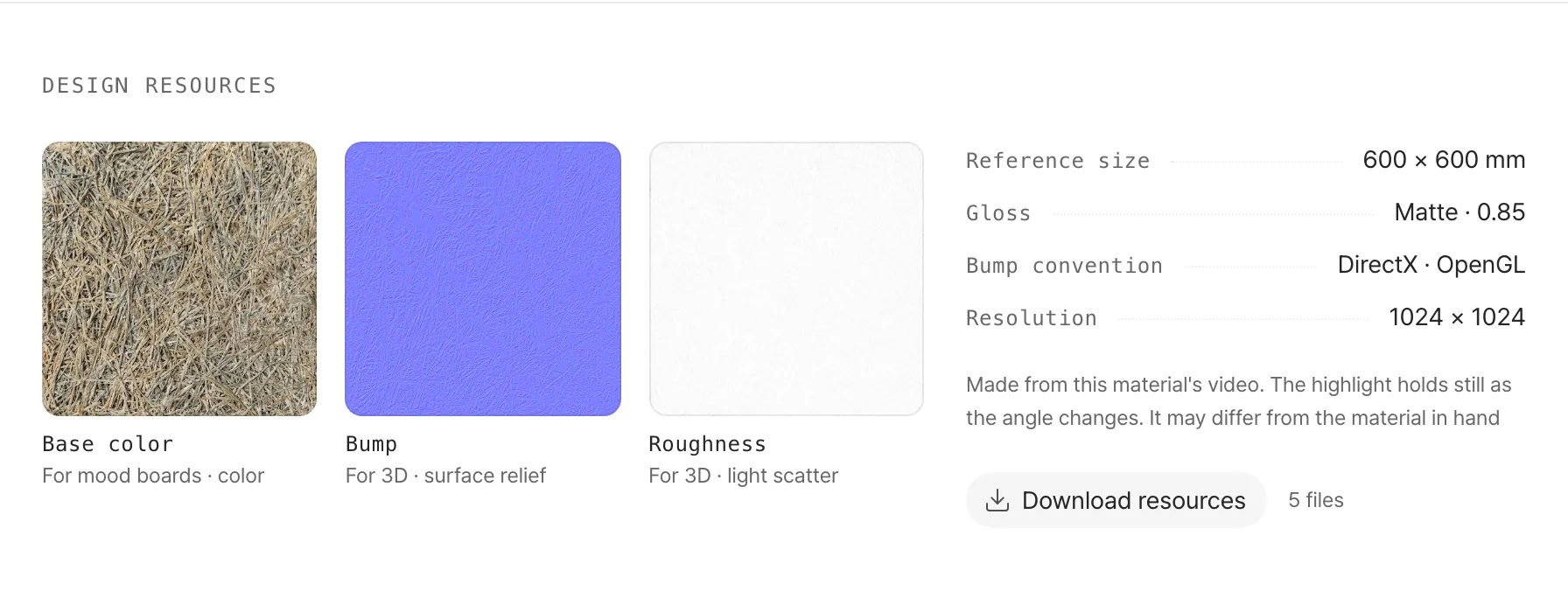
Surface images ready for moodboards and 3D
Download the base color, normal and roughness images with their reference size in one go. Nearly half the catalog has them.
- Fire rating on the card
- Ratings like non-combustible or flameproofed sit on each material card's photo.
- Type a condition
- Type a condition's name in the search bar to search by the condition, not the words.
- Share a link
- The results address spells out the conditions, so a link opens the same results.
- Similar mood
- Materials with a similar feel keep coming at the end of a material page.
The materials tab and a material page's photos, tags and 'What this material is' are free. Results from banners, search and filters, specs and design resources are in Pro.